
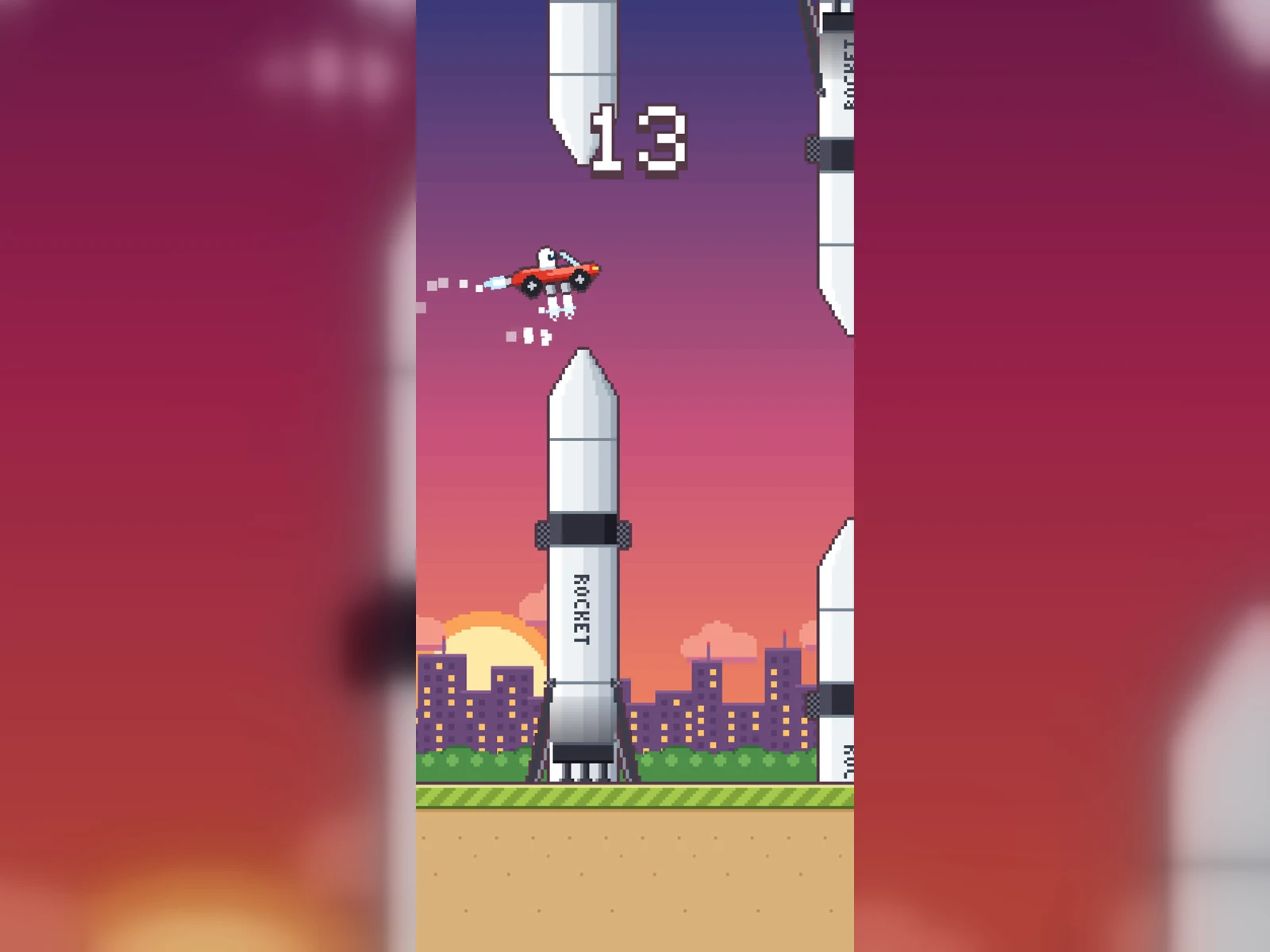
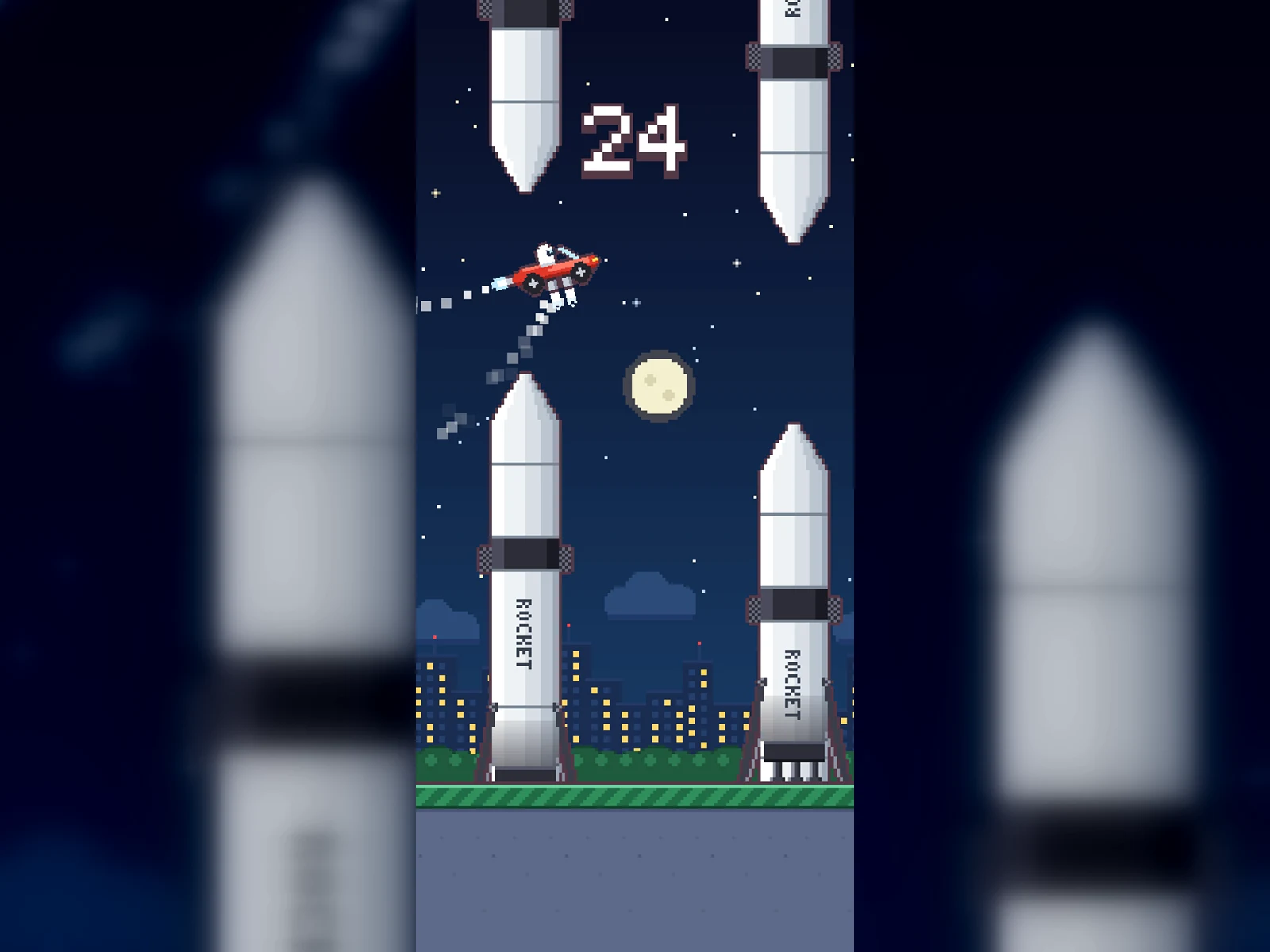
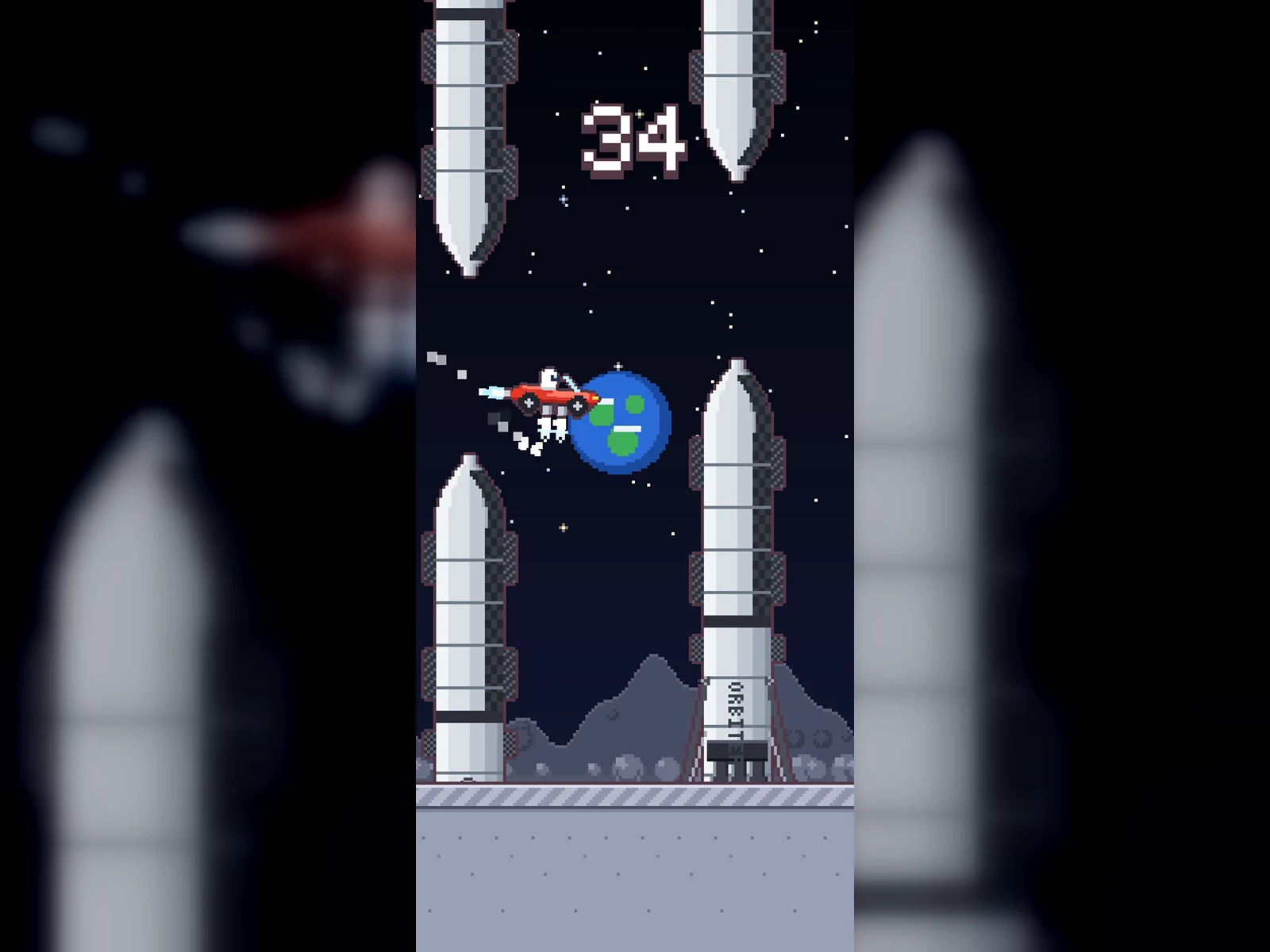
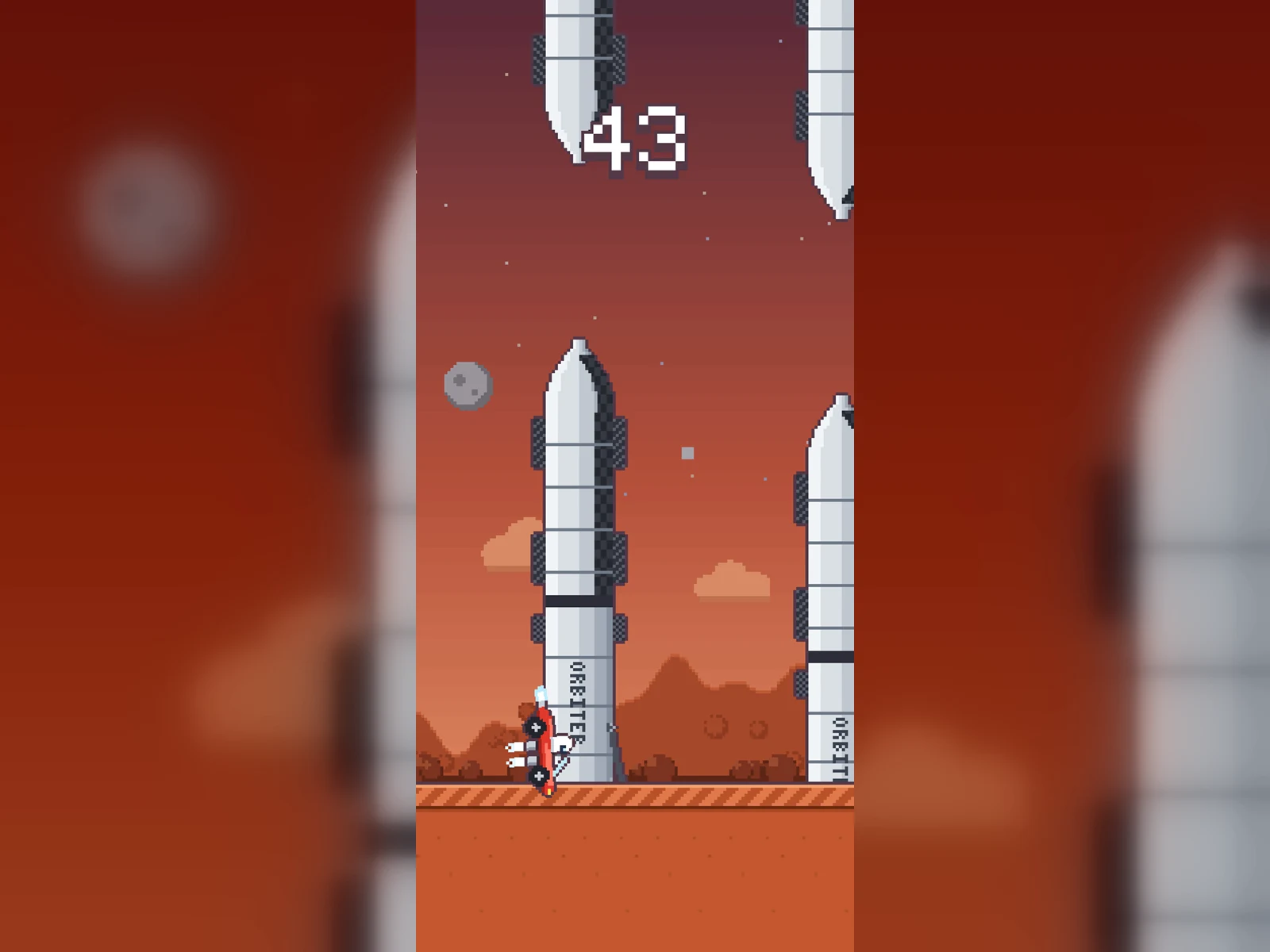
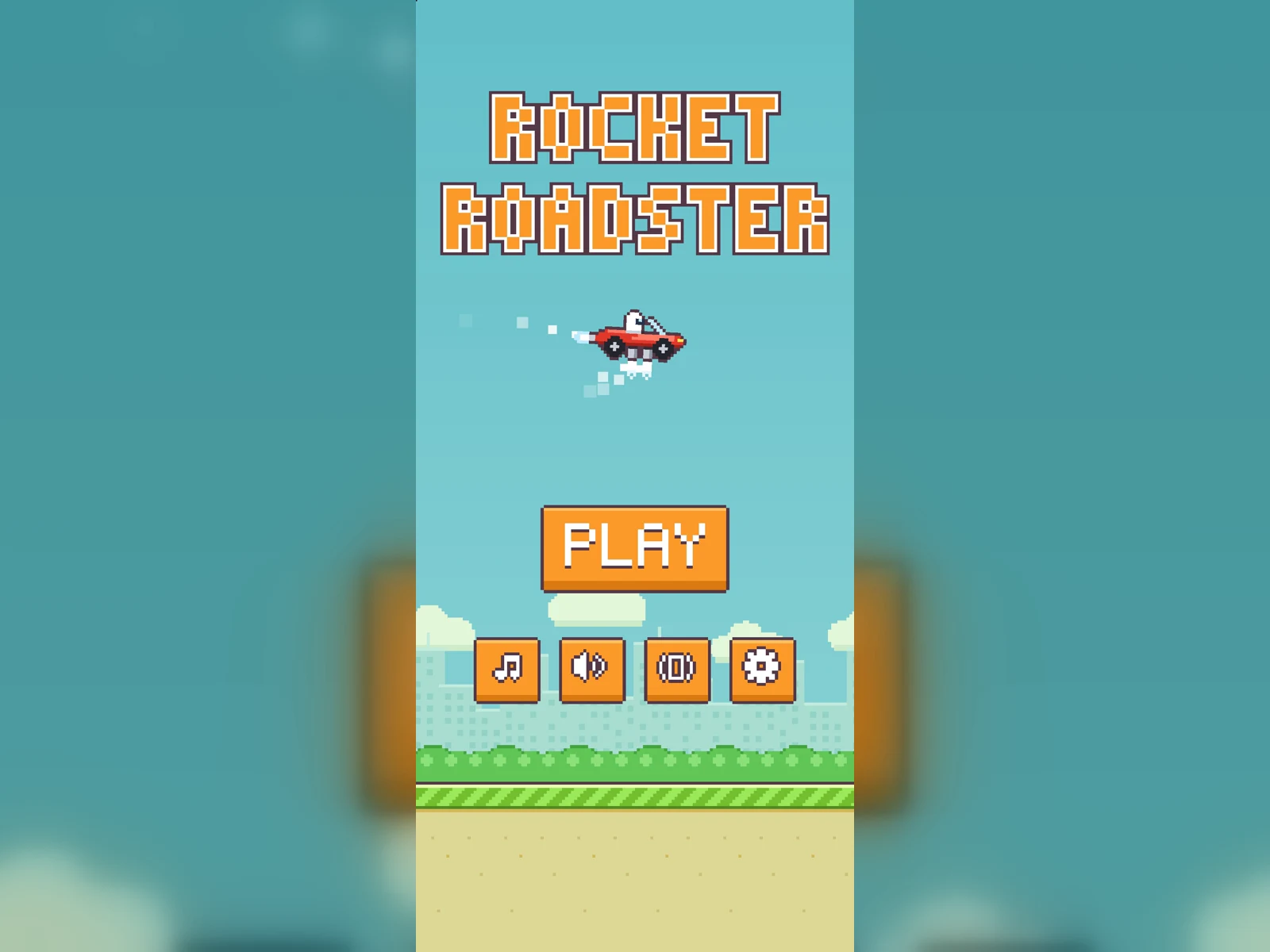
Rocket Roadster is a complete, buildable iOS game project: a one-tap pixel-art arcade game written in Swift + SpriteKit. A cherry-red roadster flies on cold-gas thrusters and threads the gap between towering rockets, climbing through five pixel-art worlds: Earth, Sunset, Night, Moon and Mars.
All the art is procedural pixel art generated in code, and all the music and sound effects are synthesised by the game itself. There are no external image or audio assets and no third-party dependencies, so you can open it, build it and start making it your own.
How it plays

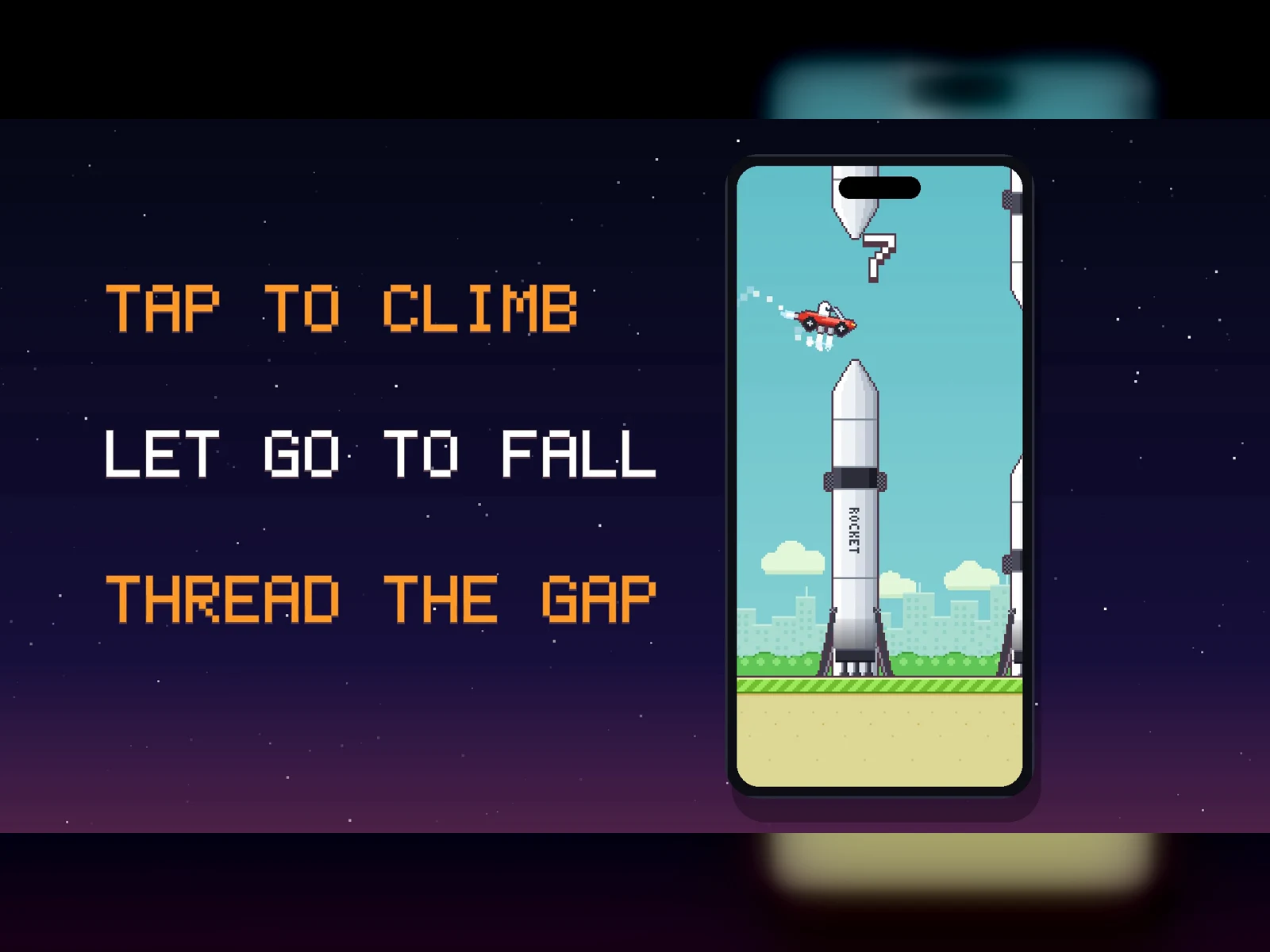
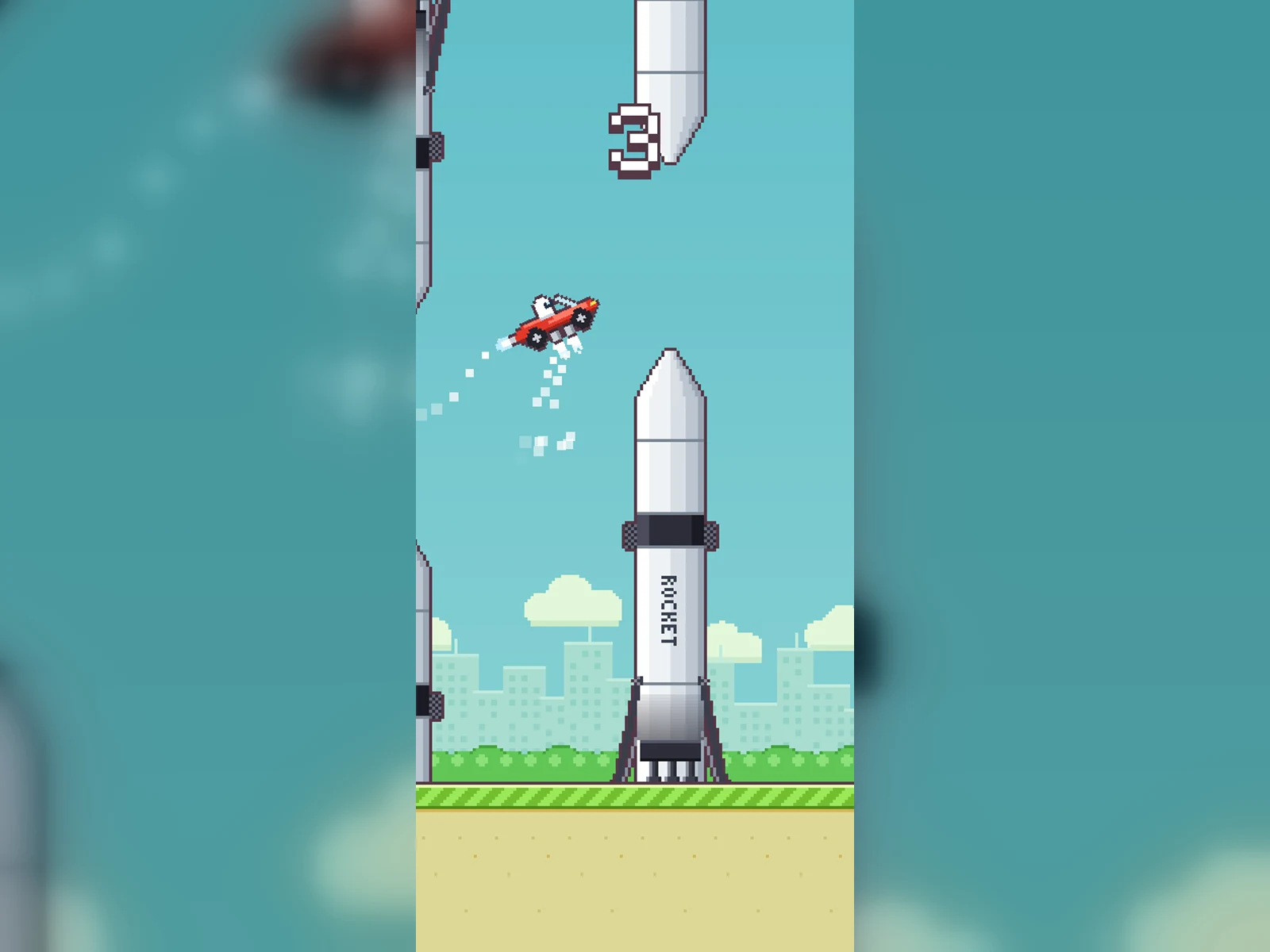
- Tap to fire the thrusters, avoid the rockets and don't touch the ground.
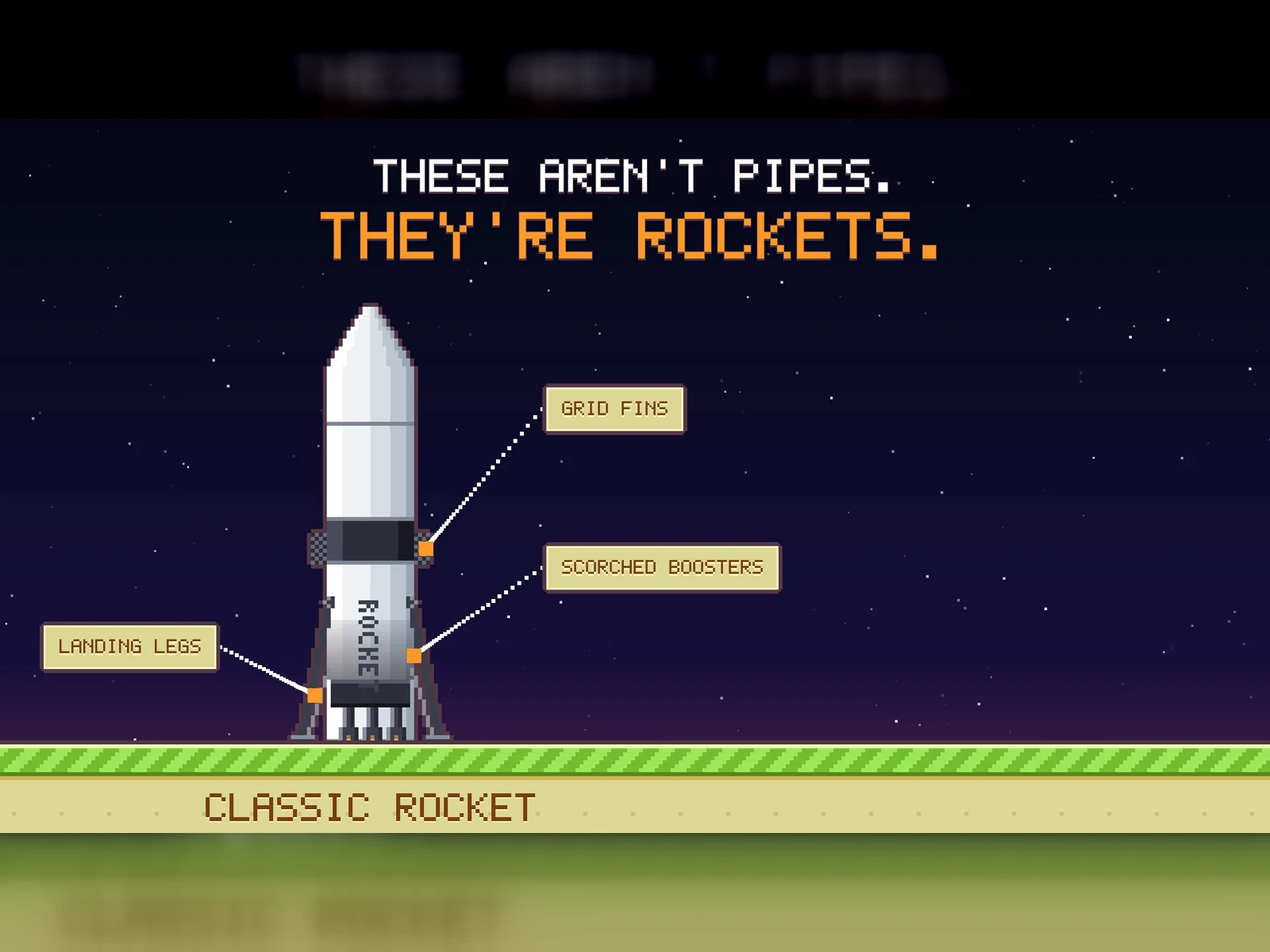
- Every 10 points you advance a level: Earth, Sunset, Night, Moon, Mars. From level 3 some rockets move up and down, and on the Moon and Mars the rockets use the heavy-lift skin.
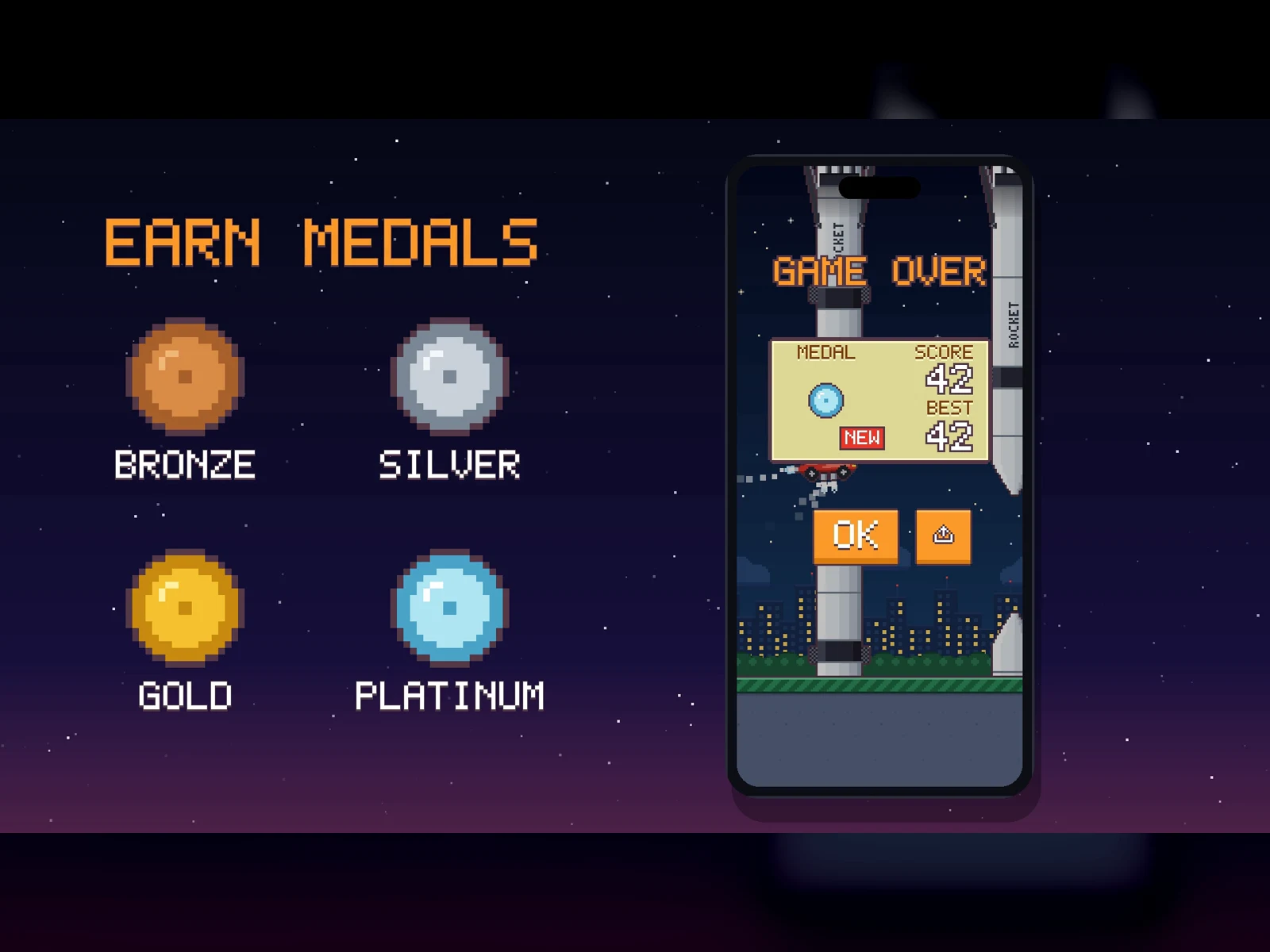
- Medals at 10, 20, 30 and 40 points, a saved best score and a Share button on the game-over screen.
- Pause from the top-right button (the game also pauses when the app goes to the background), with a 3-2-1 countdown on resume.
Five worlds, five looks
Each world has its own sky, parallax backdrop and ground, all drawn procedurally at runtime.
What's under the hood
- Deterministic game engine. The game rules live in Core with no SpriteKit dependency, run on a fixed 120 Hz step and are fully covered by tests.
- Procedural pixel-art renderer. Canvas, readable 5x7 and 3x5 pixel fonts, sprites, themes (sky, parallax, ground) and a texture cache, all in code.
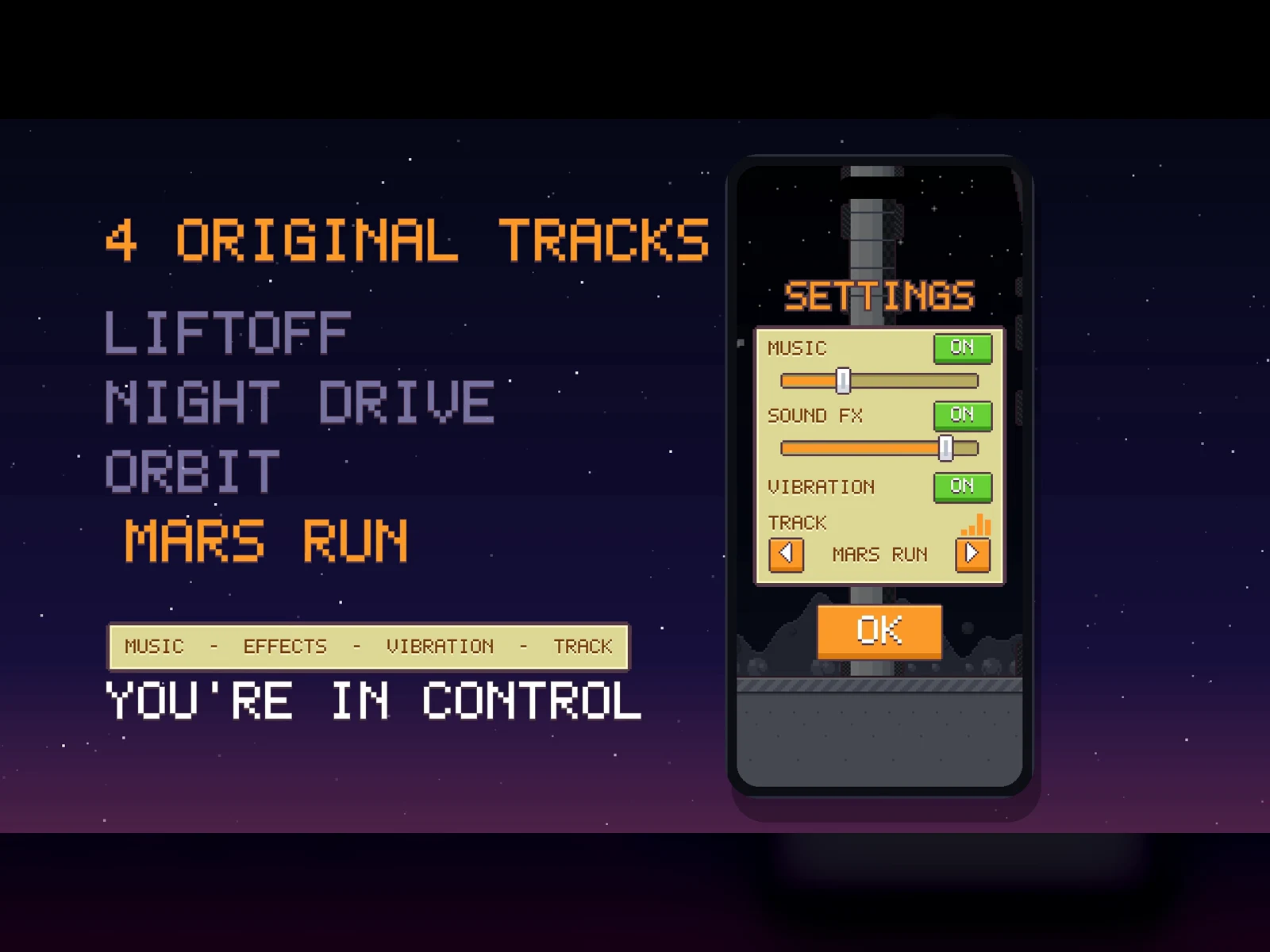
- Chiptune composer. Four tracks composed by code (Liftoff, Night Drive, Orbit and Mars Run) that change with the level and crossfade into each other. Pick AUTO or lock a single track. Audio runs on its own thread and the music gets quieter while paused.
- Synthesised sound effects and haptics. No audio files anywhere in the game.
- Scene layer. GameScene with input routing, screens and UI, a parallax backdrop and particles.
- SwiftUI entry point and a privacy manifest (PrivacyInfo.xcprivacy), portrait orientation, launch screen and display name already set up.
Polished game flow
- Settings (gear icon in the menu and on the pause screen): separate music and effects volume sliders, switches for music, effects and vibration, and a track picker.
- Medals, best score saved on the device and a Share button.
- Localised in English and Spanish; the game follows the system language.
Tested
- 116 unit tests covering the engine, the music composer, sprites, fonts, audio, localisation and the real scene running inside an SKView.
- End-to-end UI tests (XCUITest).
- Debug-only launch arguments for development:
--autoplay (autopilot), --autoplay-stop, --level=N, --reset-data and --uitest.
Project layout
- Sources/Core: game rules without SpriteKit (engine, levels, settings, strings, music composer)
- Sources/Render: procedural pixel art
- Sources/Scene: drawing, input routing, screens, parallax backdrop and particles
- Sources/Audio: synthesised effects, music player with crossfades, haptics
- Sources/App: SwiftUI entry point
- Tests/Unit and Tests/UI: the unit and end-to-end tests
- Tools/ and Scripts/: macOS tooling that renders the pixel art to PNG (level previews, app icon, trailer frames) and builds the trailer, plus test and QA scripts
- Marketing/: listing images and trailer (1080p and 720p)
What's included
- Xcode project and project.yml (XcodeGen config)
- Swift sources: Core, Render, Scene, Audio and App
- Unit tests and UI tests
- Asset and trailer tooling (Tools/, Scripts/)
- 1024 px app icon
- English README
- Marketing images and trailer
Get running in minutes
- Unzip the archive and open
RocketRoadster.xcodeproj.
- Choose your team under Signing & Capabilities and replace the bundle identifier (
com.example.rocketroadster, set in project.yml).
- Build and run on a simulator or an iPhone.
The generated Xcode project is included, so XcodeGen is optional: run xcodegen generate only if you change project.yml.
Make it your own
- Rename the game and change the logo words and rocket lettering (see Sprites.swift and GameScene+Screens.swift) so the result is your own brand.
- Replace the app icon and capture your own screenshots and trailer with the included scripts (Scripts/build_trailer.sh).
- Add the services you need. Game Center, ads, in-app purchases and iPad support are intentionally not included, because they require your own accounts and configuration.
Requirements
- A Mac with a recent version of Xcode.
- Deployment target iOS 16.0, iPhone, portrait.
- No third-party dependencies.
- The buyer is responsible for App Store review, trademarks and their own bundle ID.


 −24%
−24%