
Keys to Audit Third-Party Code Before Buying
September 30, 2026 · 3 min read

The Importance of Auditing Third-Party Code
When purchasing templates or applications developed by third parties, it is crucial to conduct a code audit. This practice not only ensures the quality of the product but also protects your investment. Without proper review, you could face costly errors or security vulnerabilities.
The audit allows you to identify potential issues before they affect your project. In an environment where efficiency and security are paramount, having reliable code is essential for the success of any venture. Defective code can lead to operational failures, affecting both user experience and your business's reputation.
Moreover, a good audit can help you determine if the code meets your needs. Understanding its functionalities and limitations will allow you to make informed decisions before finalizing the purchase, avoiding unpleasant surprises in the future.
Key Elements to Review in the Code

When conducting the audit, there are several key elements you should consider. First, check the quality of the code: ensure that it is well-structured, commented, and follows best programming practices. Disorganized or poorly documented code can cause future problems and make maintenance more complicated.
Second, evaluate the code's dependencies. Reviewing what libraries and frameworks it uses will help you identify potential risks, especially if these dependencies are outdated or not maintained. Obsolete dependencies can be a point of entry for attackers and cause application failures.
Third, test the functionality of the code in a development environment. This will allow you to see how it behaves in real-time and detect errors that are not evident from a visual review alone. Conducting thorough tests is essential to ensure that the code meets specified requirements and functions correctly.
“A proper audit can save you from costly surprises in the future.”
- Check the quality and structure of the code.
- Evaluate the dependencies and their maintenance status.
- Test the functionality in a development environment.
Common Mistakes When Buying Third-Party Code
Some common mistakes buyers make include not reviewing the code's update history. A product that has not received recent updates may indicate future problems or lack of support. The absence of updates can result in incompatibilities with new software versions or operating systems.
Another mistake is not considering the license under which the code is sold. Make sure you understand the rights and restrictions that accompany the template; this can affect its use in future projects. Ignoring licenses can lead to legal infringements that compromise your project and finances.
Finally, not researching the seller's reputation can lead to acquiring low-quality products. Take the time to read reviews and evaluate the experiences of other buyers. A seller with a good reputation generally provides reliable products and adequate support.
Tips for Successfully Conducting an Audit
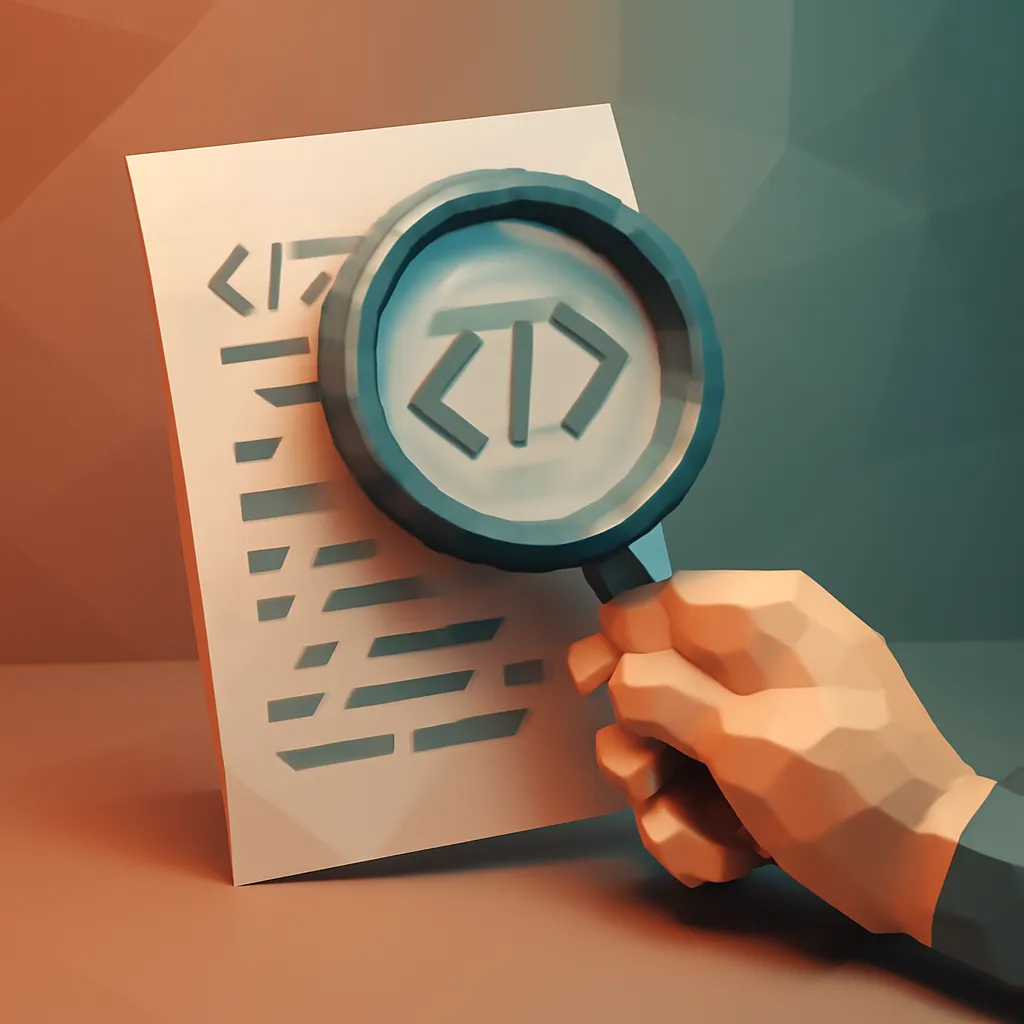
To facilitate the audit, establish a checklist that includes all the aspects you want to review. This will help you not to overlook any important details during the evaluation. A checklist can include: code structure, documentation, dependencies, and functional tests. Having a clear list will help you be more systematic and effective in your review.
Additionally, do not hesitate to use code analysis tools. These tools can help you identify errors and vulnerabilities that might go unnoticed in a manual review. Tools like ESLint or SonarQube are very useful and can provide detailed reports on the code's status.
Finally, if you lack the necessary technical knowledge, consider hiring an expert. An experienced developer can offer deeper insights and help you avoid costly mistakes. Investing in a professional can result in significant savings in the long run.
“A well-structured checklist is your best ally in the audit.”
- Set up a checklist for the audit.
- Use code analysis tools.
- Consider hiring an expert if necessary.
Conclusions on Auditing Third-Party Code
Auditing third-party code is an essential step that should not be underestimated. Ensuring that the product you acquire meets quality and security standards is fundamental in the software development world. A complete audit can reveal hidden problems that could cost you dearly in the future.
Remember that investing in good code can save you time and resources in the future. Prevention is always more effective than correcting errors once they have occurred. Establishing an audit protocol will allow you to mitigate risks and make more informed decisions.
Therefore, make auditing a habit in your purchasing process. With the right approach, you will be better prepared to make informed and effective choices. Do not forget that quality code is the foundation of any successful project.
Practical Steps to Audit Third-Party Code
Before proceeding with the purchase, follow a practical process that facilitates the audit. First, download a copy of the code you wish to review. This will allow you to work without pressure and conduct all necessary tests without haste.
Next, use the code analysis tools mentioned earlier. Configure these tools to perform a thorough scan and generate a clear report on errors and vulnerabilities. Make sure to interpret the results correctly to prioritize the most critical fixes.
Finally, document your findings. Keep a detailed record of any issues you encounter and, if possible, establish contact with the seller to resolve questions or request corrections. Good communication can facilitate the purchase and ensure that you acquire a high-quality product.
Frequently asked questions
What is a third-party code audit?
It is the process of reviewing and evaluating code that you have not developed yourself, to ensure its quality, security, and functionality before purchase.
Why is it important to verify the code's dependencies?
Dependencies can affect the performance and security of the code. If they are outdated or not maintained, they can introduce vulnerabilities that compromise your project.
What tools can I use to analyze code?
There are several code analysis tools, such as ESLint, SonarQube, and CodeClimate, that can help you detect errors and vulnerabilities, thus facilitating the audit process.
Ready to launch? Explore production-ready templates.
Explore the marketplace